Online Magazine Platform: 2026 Buyer’s Guide
Most online magazine platform decisions go wrong for the same reason: teams shop for features before they define the business.


Reader habits already settled the easy part of the question. In the U.S., 32% of adults read a digital magazine at least once a month, slightly ahead of the 30% still reading print, according to YouGov research on magazine readers. The digital publishing platform market itself sits near USD 1 billion in 2025–2026 and is growing 10 to 15% a year, while the broader online magazine market reaches into the tens of billions depending on scope. Growth is real. Choice paralysis is the actual risk.
This guide walks through the five real options, what each one is actually good at, and the questions that decide the answer for you.
Start With the Business, Not the Software
Reuters Institute’s 2026 Journalism and Technology report found that 76% of commercial publishers now rank subscriptions and membership as their top revenue priority, ahead of display ads at 68% and native at 64%. That single shift changes what a magazine platform has to do. It has to model paid tiers cleanly, hold onto readers long enough to renew, and generate the kind of first-party data that ad-funded sites never bothered with.
Mobile is the second settled question. Around 68% of digital magazine readers open the site on a smartphone. Case study data from publishers using app-based platforms shows the pattern clearly: the Minnesota Star Tribune retained 81% of readers 30 days after app install, and New Scientist reported that 85% of subscribers said the app helped them renew. Any platform that treats mobile as a responsive afterthought will underperform on the numbers that decide whether the magazine survives.
Before comparing tools, answer three questions:
- What is the one success metric? Retention, renewal, engaged sessions, or ad revenue. Pick one. Publishers that name a single primary metric outperform those that chase all four.
- Where does the money come from? Subscriptions, memberships, sponsorships, commerce, events. The revenue model, not the design, dictates the technical stack.
- What does the editorial workflow actually look like? How many editors, how many titles, how much archive, how often you republish. This is where most feature checklists collapse.
Everything below reads differently once those answers are on the table.
1. Custom-Built Platform With a Product Partner
A custom build is the right answer when the publication is the product, not a container for content. That usually shows up as unusual paywall logic, tiered archives, complex editorial workflows across multiple titles, or a revenue model that mixes subscriptions with commerce, events, or licensed data. A packaged CMS can be pushed into that shape, but the workarounds compound.
The value of a partner in this case is less about writing code and more about setting the operating model before code is written. When we rebuilt Teton Gravity Research, the technical challenge of moving 10,000 articles out of ExpressionEngine was real, but the harder work was helping the team decide what to stop doing. User-generated content, once a competitive edge, had become a legal and moderation liability. The redesign started by removing scope, not adding features.
The same pattern showed up on St. Louis Magazine’s move off MetroPublisher. A regional publisher with 30,000 articles, several newsletters, a podcast operation, and daily ad workflows needed a system that fit the way the newsroom actually worked. The migration mattered. The editorial and newsletter workflow decisions mattered more.
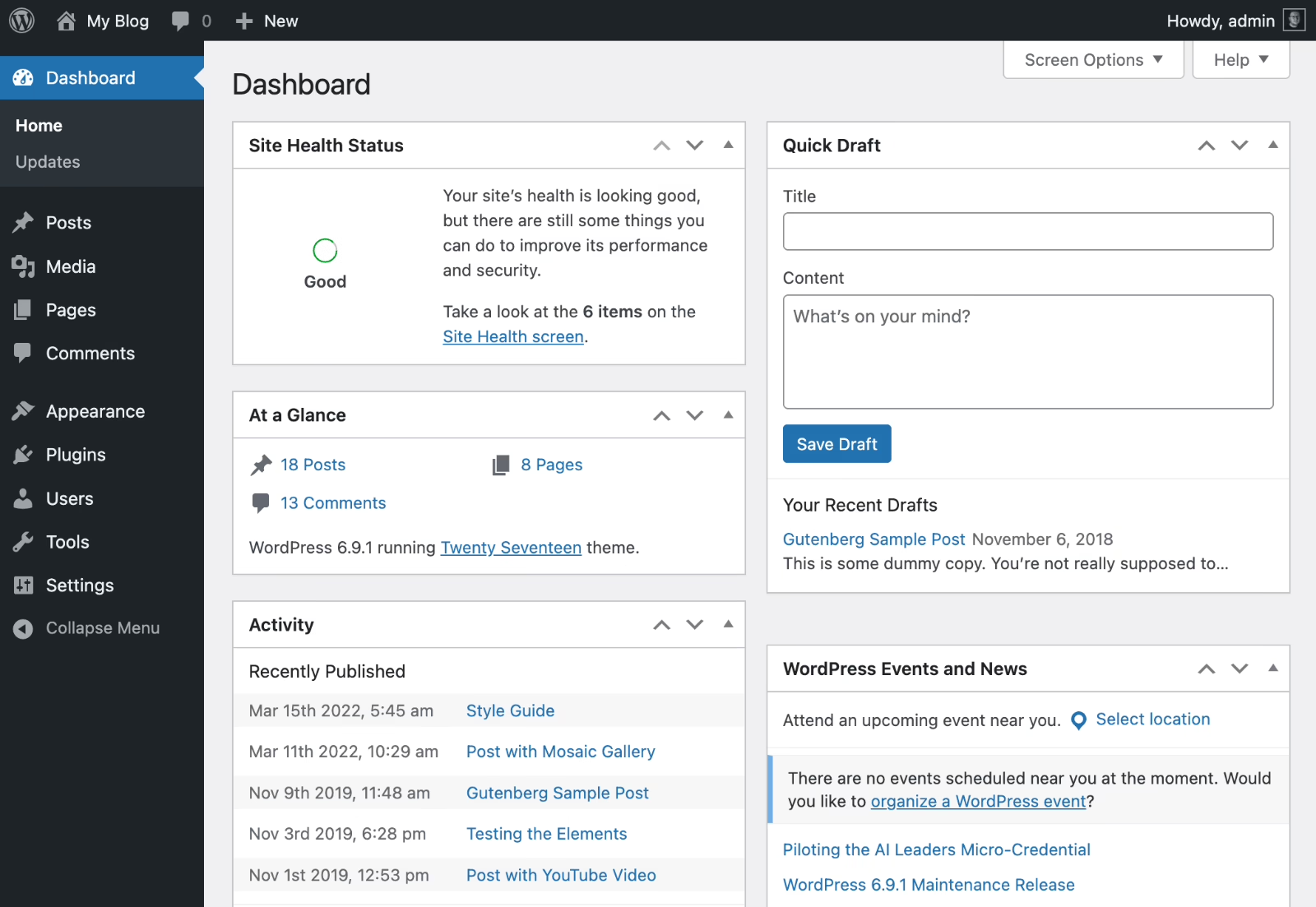
Custom pays off when the platform is part of the moat: a research archive with unusual metadata, a membership model with community features, or a magazine that plans to run 5 to 20 titles on a shared operating system. It does not pay off for a single-title brand publication that could ship on a template. That is a judgment call that belongs at the strategy stage, not after the first invoice.
Best for: multi-title publishers, membership magazines, archive-heavy publications, and teams treating the platform as a core asset.
Not ideal for: single-title brand magazines that fit standard templates.
2. WordPress, Self-Hosted or Managed
WordPress remains the default for a reason. It handles the editorial primitives well: article types, taxonomies, roles, scheduled publishing, and revisions. The ecosystem covers almost every ad network, newsletter tool, paywall product, and analytics platform a magazine actually uses. For a team of two to twenty editors, this is often the shortest path from concept to first published issue.
The trap is plugin sprawl. A WordPress magazine site quietly accumulates 30 to 50 plugins over two years. Each one is another update, another security surface, another performance cost. Sites that stay healthy tend to share three habits.
- Fewer plugins, chosen deliberately. Every added plugin should replace a task the team was doing manually or unlock a revenue path.
- One publishing workflow, not five. Editors need a single repeatable path from draft to publish, not a maze of half-connected tools.
- Archive discipline from day one. URL structure, redirects, taxonomy, and image handling get harder to fix the longer the archive grows.
WordPress is also the reasonable choice for publishers who might go headless later. The same content model can feed a separate front-end down the road, so choosing WordPress today does not lock the design of the reader experience for the next five years. Our WordPress development work for publishers usually starts by pruning the plugin list before adding anything new.
The Hustle’s premium newsletter, Trends, is a useful reference here. In The Hustle’s Trends newsletter build, a fragile custom stack was replaced with WordPress plus focused payment and email integrations. The paid tier launched in two weeks, and later became part of HubSpot’s acquisition case. WordPress did not do that alone. Discipline in the stack did.
Best for: editorial teams that want control without building from zero, and publishers with a broad talent pool to draw from.
Not ideal for: teams unwilling to own maintenance, updates, and plugin governance.
3. Headless CMS for Multi-Channel Publishing
Headless CMS makes sense when the magazine has to feed more than one surface at once: a website, a mobile app, a newsletter, a partner channel, or an AI answer layer. Content lives in a structured backend, and the reader experience is built separately in a modern front-end framework. Editors write once. Developers ship the presentation.
The upside is real: cleaner content models, better performance, and the ability to redesign the front-end without touching the archive. The downside is also real. You are now maintaining two systems. Preview flows, editorial approvals, and asset handling all need deliberate design. Editors who came from WordPress often lose fluency for the first month.
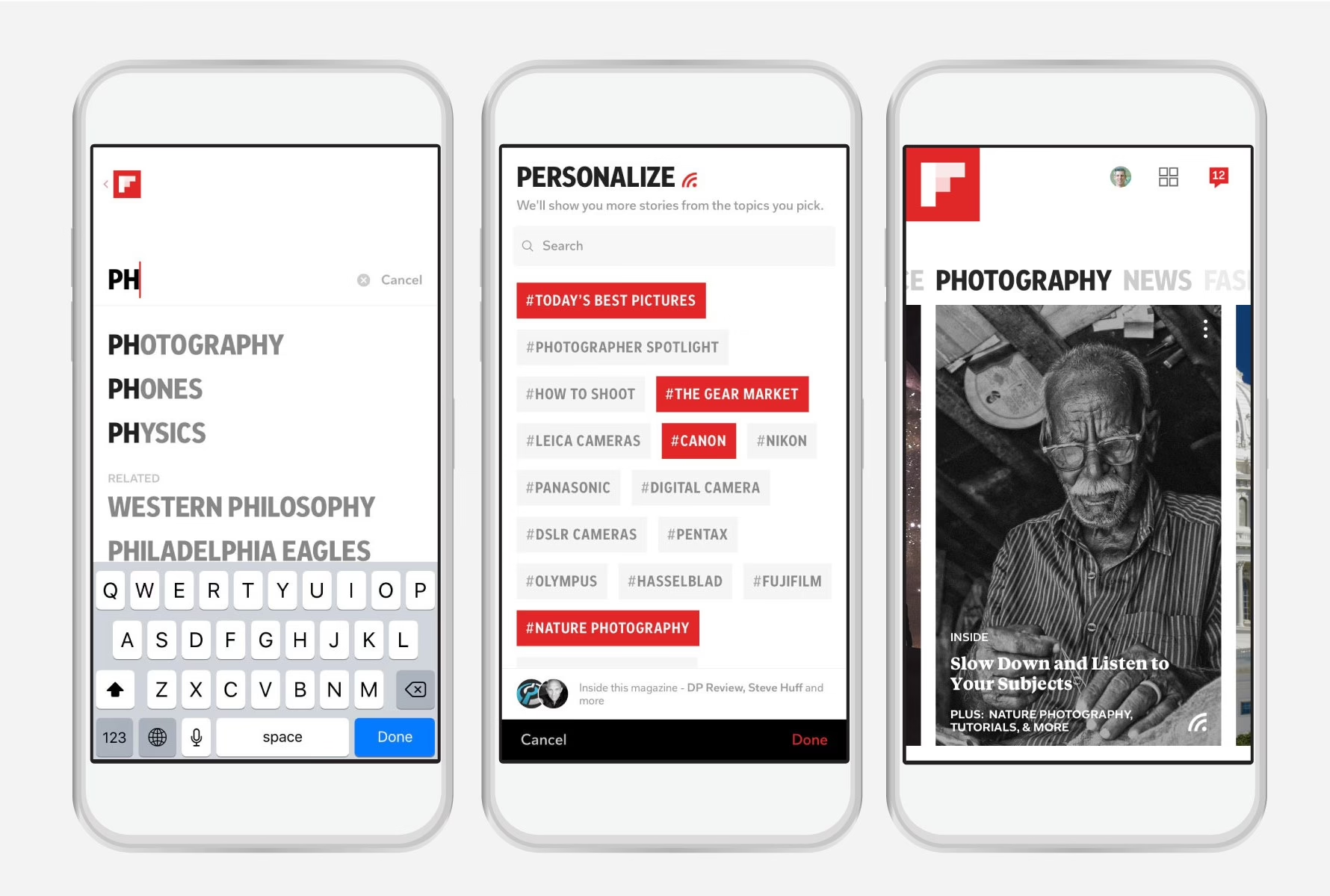
Headless is the strongest fit when at least two of the following are true: the publication has an app or plans one, performance is a real business constraint, or the design team wants to iterate on the reader experience faster than a monolithic CMS allows. If only one is true, a traditional CMS usually wins on cost.
For teams weighing the technology choice, the Strapi vs Sanity comparison covers the operating-model trade-offs, and our headless CMS vs traditional CMS guide explains when the extra complexity earns its keep.
Best for: multi-channel publishers, app-forward magazines, and teams with clear performance or design constraints.
Not ideal for: single-site publications with lean editorial resources.
4. SaaS Publishing Platforms Built Around Subscriptions
SaaS platforms like Ghost, Substack, and Beehiiv fit publishers who want the operating model to be as simple as possible. Membership, subscriptions, newsletters, and publishing come in one product. Hosting, updates, and infrastructure are someone else’s problem. For a single-editor magazine or a two-person team launching a paid publication, this is often the fastest way to test whether a paid audience actually exists.
The trade-off is roadmap control. When the platform decides not to build the feature you need, you either work around it or leave. That works fine for a lean membership publication. It gets expensive when the magazine starts adding a shop, an events business, sponsored content workflows, or unusual paywall logic.
A useful test: if the entire revenue model can be described as “readers pay us monthly to read,” SaaS is probably the right answer. If the revenue model includes anything else, run the numbers again. Membership publications with community components, in particular, often outgrow the packaged version within 18 months. That is where our membership platform development work usually begins, once teams have proven demand and need more control over the product.
Best for: independent publishers, reader-funded magazines, and teams testing whether a paid audience is real.
Not ideal for: publications with mixed revenue models or unusual product logic.
5. Design-First Website Builders
Some magazines are as much about presentation as content: fashion, culture, brand publications where the visual language is part of the offer. Design-forward site builders make sense for those cases because they compress the distance between design decision and published page. Editors and marketers manage content. Designers keep more control than a standard CMS usually allows.
The strain shows up when the archive grows or when the editorial team gets larger. Deep taxonomies, complex roles, many concurrent editors, and heavy publishing volume are not what these tools were built to handle well. Sites that stay clean tend to be strict about content types, tag limits, and category structure from launch.
This category fits marketing-led publications better than newsroom-style operations. If the site is part magazine and part brand experience, and the archive will stay in the low thousands of pieces rather than the tens of thousands, it can work for years without straining. If the publication is really a newsroom in disguise, the friction shows up around month twelve.
Best for: design-forward brand publications, marketing-led editorial sites, and small archives.
Not ideal for: newsroom operations, large archives, or complex editorial workflows.
How the Five Options Compare
| Option | Setup complexity | Ongoing cost | Best-fit revenue model | Where it breaks |
|---|---|---|---|---|
| Custom build with a partner | High | Medium to high | Multi-title, mixed, or archive-heavy | Small single-title brands |
| WordPress | Medium | Low to medium | Any, if disciplined | Teams that won’t own maintenance |
| Headless CMS | Medium to high | Medium | App-forward, multi-channel | Single-site lean teams |
| SaaS publishing platforms | Low | Low, scales with subs | Reader-paid subscriptions | Mixed or non-standard revenue |
| Design-first builders | Low to medium | Low to medium | Brand or marketing-led | Large archives, newsroom workflows |
The Failure Patterns Worth Naming
Reader questions and platform reviews keep surfacing the same set of avoidable mistakes.
Buying software before defining the business. This is the most common failure. Teams start a platform search before they can answer “what is the one metric we care about?” They end up with a tool built for a different revenue model.
Treating launch as the finish line. Successful magazine platforms behave like products. They ship, they measure, they iterate. The Pugpig case studies that show 82% trial-to-paid conversion or 174% growth in screen views during a major news event share one thing: those teams kept adjusting after launch.
Optimizing for the wrong metric. Pageviews and impressions are misleading proxies for a subscription business. Retention, session depth, and renewal rate tell you whether the platform is actually working. Reporting the wrong number for eighteen months hides the real problem until renewals start slipping.
There is a tendency to overlook off-platform distribution, yet Reuters has observed publishers putting money into subscriptions at the same time as they are into YouTube, TikTok, Instagram and AI answer engines. Rented attention will secure the traffic for now; owned attention is what builds up over a 12 to 18 month period. The platform must be able to handle both.
This is where product discovery comes in to head off costly errors. One can test the assumptions behind the platform choice rather than the platform per se; our product discovery techniques guide is there to show how.
Choosing the Platform You Will Not Regret in Two Years
An online magazine’s platform should be a good fit for the way the team works, the way readers consume content and the publication’s revenue model. For a membership magazine that is lean, a packaged SaaS makes sense. Most editorial teams with an expansive content plan will do well with WordPress. When the magazine is feeding multiple surfaces, headless justifies itself. And if the platform is integral to the product, then a custom build is called for.
Choosing on the basis of a feature list is the wrong way to go. Any of these can put out an article. The difference is apparent six months post-launch, once the workflow has become more complicated and the revenue model more defined.
For those making that call today, Refact’s web development for publishers practice puts the business model and workflow first before selecting a platform. It is that sequence which ensures the decision holds up two years down the line, when the tradeoffs are no longer theoretical and the cost of switching is considerable.
Publishing at volume and hitting the limits of your platform? Let’s talk. Free 30-minute call, no pitch.

Saeedreza Abbaspour is the CEO of Refact, where he works across product, engineering, and sales. He sets the studio’s direction while staying closely involved in the work itself, from shaping product strategy and UX architecture to helping define the technical systems behind Refact’s projects. His role connects business thinking with hands-on product execution, giving him a practical view of how software should be planned, built, launched, and improved. At Refact, Saeedreza focuses on building a studio that can move quickly, solve real client problems, and turn ideas into reliable digital products.
More from Saeedreza Abbaspour

