Ghost vs WordPress: How to Choose in 2026
Most comparisons of Ghost and WordPress kick off with a feature matrix, but this is an approach that should be avoided.


Ghost and WordPress fundamentally solve different problems. WordPress is a general-purpose content system with the largest ecosystem of themes and plugins on the web. Ghost is a publishing system built around articles, newsletters, and paid memberships. Implementing a solution that meets these criteria is more of a systems-thinking challenge than a checklist-ticking exercise. Our CMS for Publishers Buying Guide covers this same topic with greater scope.
The Real Ghost vs WordPress Question
Consider what your team does each week. How often do you publish? Who can approve publishing requests? Do you have email, or is that a feature you will need to develop later? How do your readers pay? What breaks when you have more traffic to your site?
Ghost is a good option for a content-centric business that wants writing, email, and access control as an integrated system. WordPress is a good option when you want to build a system that goes beyond publishing to include a store, a directory, or customer support.
Practical rule: pick the platform that makes your recurring work easier, not the one with the longest feature list.
How you handle a migration also depends on this. The process is so much more than just moving content. After the import, your templates will have to be built, URLs preserved, integrations replaced, editors retrained, member access checked, and reports created again. In their own documentation, Ghost says it is very easy to import WordPress content in a single click. Ghost even has a managed migration service for WordPress. Even though Ghost has a service that makes it seem quick and easy to migrate, you still need to do all the work after the import. We have a detailed article about what actually moves in a WordPress migration service if you are already considering a switch in either direction.
| Decision area | Ghost | WordPress |
|---|---|---|
| Primary job | Publishing, newsletters, memberships | General-purpose content management |
| Default operating model | Focused and opinionated | Flexible and expandable |
| Email publishing | Built in | Usually added via plugins or a third-party service |
| Paid content | Native tiers with Stripe | Assembled with plugins and payment services |
| Custom content models | More limited | Broad and highly adaptable |
| Maintenance profile | Small extension surface | More dependencies to manage |
| Best fit | Content-led membership products | Complex or multi-purpose sites |
Market Position, Scale, and What It Actually Tells You
WordPress is the publishing platform for most of the web. In terms of global statistics, as of August 2026, W3Techs usage statistics for WordPress and Ghost estimate that WordPress is approximately 42.5% of all sites with 59.8% of the CMS market, and Ghost is approximately 0.1% in both. Compared to Ghost, WordPress is on hundreds more sites.
That is the case, but it is not the final say. Ghost is more suitable for a specific type of task. It was made in 2013 after a successful Kickstarter campaign to the tune of £196,000. Even more specifically, it targets creators and publishers. In this directory of companies using Ghost, TechnologyChecker, has approximately 9,430 active domains. Some of these include QS World University Rankings, MediBuddy, and the Product Marketing Alliance.
Ghost’s founder John O’Nolan declared in mid-2025 that publishers on Ghost were earning around $136 million at the time. He said this number is self-reported and should be treated as an estimate, but it is inline with how consumers use Ghost, which is for publishing paid publications that have real-world subscriptions.
Comparing how consumers use Ghost to other products in the AI buying question index developed by GetIntel is illuminating. When 80 buyer questions about blogging platforms were answered by ChatGPT and Gemini, WordPress.org was cited as the top suggestion in 44% of the answers. Ghost surfaces as a newsletter and/or membership option, as is common with the tool to the job approach.
Performance and the Editorial Workflow
Ghost’s strongest argument, technically, is its default performance. In a 2026 benchmark with clean installations, the same hosting, and the same default themes, The Stacc’s WordPress vs Ghost Speed and SEO Test reported Ghost achieving a TTFB of 50-200 ms, as compared to WordPress’s of 200-800 ms, with an LCP of 1.5-3 seconds, as compared to Ghost’s of 0.8-1.5 seconds, and a Lighthouse score of 85-95 as compared to WordPress’s of 40-60. These were all single benchmark tests, but the results corroborate what practitioners say about Ghost: sites become noticeably faster after moving to Ghost.
WordPress can hit comparable levels of performance, but there are many factors that impact how WordPress performs, such as hosting, theme, caching, images, and plugins. Default configurations of Ghost put the editor closer to a fast starting point than does WordPress.
Organic growth requires more than just speed. Search visibility demands useful content, clear site structure, Google-readable pages, internal links, and a workflow that your team will sustain. WordPress has better advanced taxonomy options. Depending on the size of the publication, you might need a real content architecture. WP Buffs’ WordPress categories vs tags guide provides a solid explanation of the structural difference.
A newsletter-first publishing system that emphasizes composition is Ghost. Posts can be published as both web articles and newsletters. Ghost’s documentation on publishing and scheduling has clear instructions on how to do this. If you want to see how Ghost publish posts, set SEO definitions, and manage email delivery, then check out Marcus Quinn’s Ghost publishing options.
Ghost simplifies composition. WordPress offers more flexibility. If you got a choice, pick the one your team will sustain.
Memberships, Monetization, and Where Ghost Wins
If your publishing business model is paid publishing, then Ghost’s software integrations align nicely. It has built-in member management, newsletter subscription and delivery, flexible subscription and payment structures, and Stripe integrations with no additional plugin required. Editorial staff should have little-to-no learning curve with this publishing model because of its straightforward structure and segmentation.
WordPress also achieves the same end result, but takes a slightly different approach. There’s more assembly required, using plugins and third-party services, but it’s worth the flexibility since more possibilities exist for revenue streams like selling online courses, custom digital and physical products, complex shopping cart systems, and advanced permission settings. It shifts more responsibility to your team with regards to compatibility, updates, payment webhooks, and support. A basic look at the current market for WordPress membership plugins gives a good, unpretentious look at the industry as it stands.
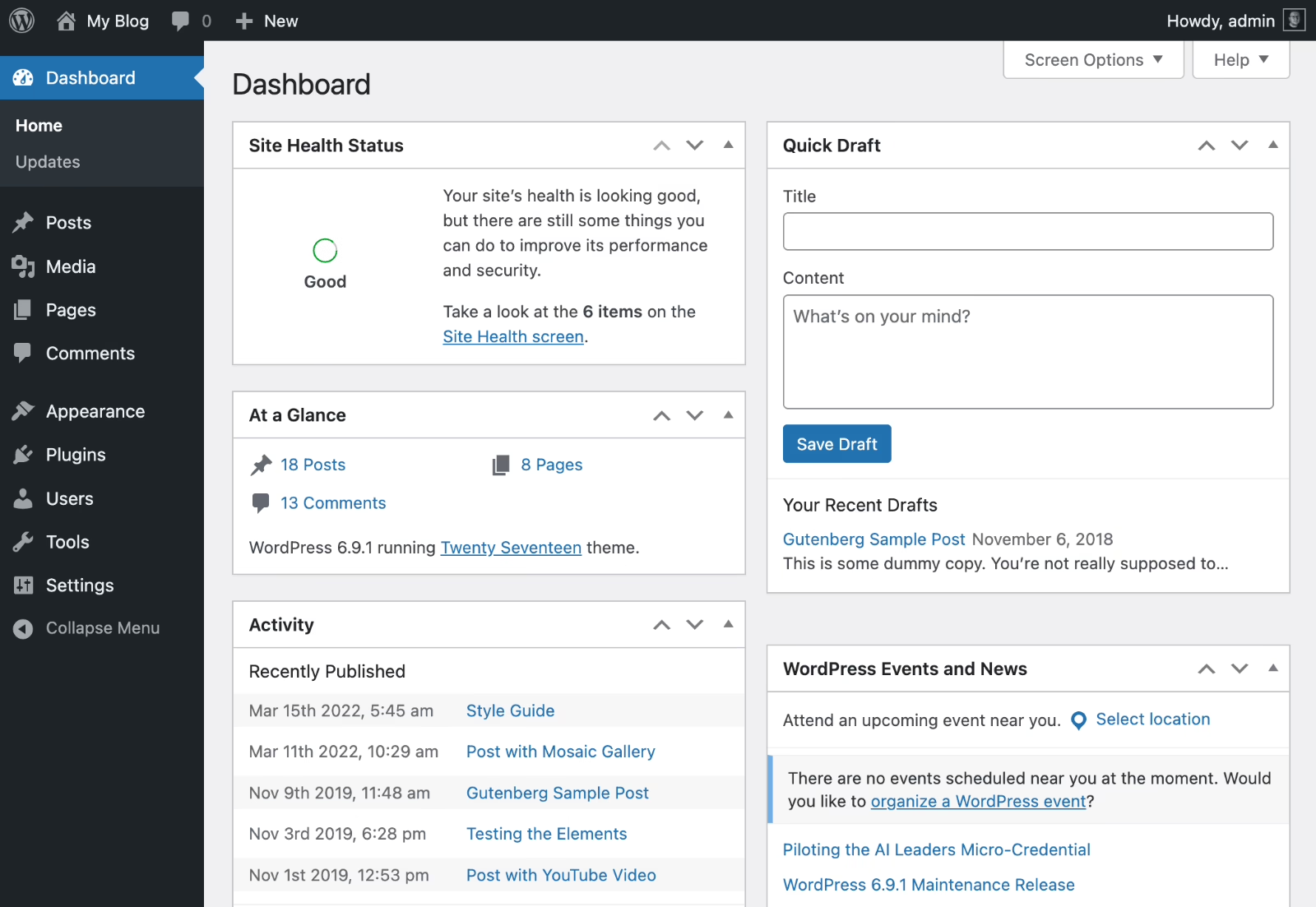
The Hustle’s Trends product is a great example of what can happen to a publisher when they outgrow the gaps between systems. For The Hustle, their custom CMS and payment system and email integration tools integrated through APIs also did not work together. Our paid newsletter platform case study describes how in two weeks, we built Trends on a WordPress foundation, and it became quite apparent that it was the right call based on their audience, editorial team, and their eventual plan of publishing more than one newsletter. For a smaller creator looking to build a single paywalled publication, Ghost may have been the better option. The platform choice was not based on the business model; it was the other way around.
| Feature | Ghost | WordPress |
|---|---|---|
| Paid memberships | Built in | Usually a plugin |
| Content access rules | Public, members, paid members, paid tiers | Depends on membership plugin |
| Newsletter delivery | Built in | Plugin or external service |
| Payments | Stripe, native | Plugin and provider dependent |
| Ecommerce | Limited to publishing subscriptions | Broad, including WooCommerce |
| Extensions | APIs and integrations | Massive plugin ecosystem |
If subscriptions will be the only stream of income, Ghost is the better option. It is the opposite for WordPress. For patterns you may want to sketch out before choosing either, check out these membership website examples.
Maintenance, Security, and Total Cost of Ownership
Neither platform is fully free. The license is free, but running the site is not. There are costs associated with hosting, updates, the editorial process, security reviews, support, debugging issues that occur during launches, and more.
The constant complaint from practitioners about WordPress is not that it is not secure. It is that securing it is a full-time job. There is plugin conflict, form spam, expired certificates, malware, caching, and a war between a cache and a redirect that occurs at 2 AM. On X in 2025 and 2026, this was documented as the reason people moved their personal or small team sites to Ghost. Having fewer extensions doesn’t make Ghost’s extension surface magic. It just means fewer things break.
WordPress can still be defended with proper operational processes. Managed WordPress Hosting, curated plugins (Psst, there are paid plugins that uh, don’t break), and a real staging environment with someone monitoring updates makes a huge difference. Without those, WordPress will pretty much eat your first-born. We went more in depth on this model in our post on WordPress development.
We will treat migration with the same honesty, as the rebuild of the Teton Gravity Research platform did as well. Along with moving 10,000 articles out of Expression Engine, the real work was building new editorial workflows, removing previous features, and ensuring SEO was intact across the entire archive. The same is true for moving Ghost or WordPress as well, just on a larger scale.
- Ghost maintenance: theme changes, integrations, member workflows, newsletter settings, hosting decisions.
- WordPress maintenance: theme and plugin updates, compatibility testing, caching, security monitoring, backups, forms, SEO tools, custom code.
- Migration reality: an importer moves content. It does not automatically recreate templates, redirects, plugin features, or member entitlements.
Require a maintenance plan before supporting the build. If no one can say who owns updates, integrations, or fixes, the selection of the platform is only partially baked.
A Decision Framework You Can Actually Use
Implement the business model as your sole criterion. Ghost does not become faster in an ambiguous way with an unclear product. WordPress does not simplify with greater plugin availability.
Choose Ghost when:
- Publishing is the product. The main experience is articles, newsletters, and audience growth.
- Subscriptions are central and you want native tiers, gated content, and Stripe-based billing without wiring services together.
- Writers should publish to web, email, or both without managing a stack.
- You would rather accept design limits than maintain a wide dependency tree.
Choose WordPress when:
- The site has more than one job, such as publishing plus commerce, courses, directories, portals, or a customer area.
- Editors need custom post types, detailed taxonomies, or specialised publishing controls.
- The revenue model may expand into products, services, or event-based access.
- You have a developer or partner who owns themes, plugins, security, performance, and integrations.
Before finishing, capture five things: the weekly editorial workflow, the expected revenue path for two years, the features that are probable versus possible, the team responsible for updates and support, and the risks associated with migrating URLs, media, and member data. Most times, that list drives more of a decision than the brand of the chosen platform does.
Both products have both of their landscapes in flux for 2026 as well. The latest version of WordPress, 7.1, includes responsive controls and browser-based image processing, notes, and blocks, as well as a browser-based WordPress at my.wordpress.net for zero sign-up experimentation. Cloudflare released EmDash in beta, an experimental serverless TypeScript CMS, and a modern WordPress successor, which allows users to import existing WordPress websites. Neither of these impacts today’s decision, but they are worth looking into for longer-term plans.
Where to Start
Track the steps your team takes to create, approve, publish and email content, and monetize it. Based on the features you need in the next 24 months, make a distinction of what’s essential versus what would be a nice-to-have. Do a quick proof of concept for the top candidate you’ve evaluated with sample member access, email, and daily editor experience. Do that before you decide to greenlight a migration or build.
If the call is still undecided, an outside strategy pass usually resolves the issue faster than another feature comparison. Refact performs discovery on publishing and the development of membership platforms, specifically. Refact offers a money-back guarantee on the discovery phase. In this case, the target is to develop the operating model prior to writing a line of code, saving precious time and effort by ensuring the company’s CMS serves the business rather than the other way around.
Publishing at volume and hitting the limits of your platform? Let’s talk. Free 30-minute call, no pitch.

Saeedreza Abbaspour is the CEO of Refact, where he works across product, engineering, and sales. He sets the studio’s direction while staying closely involved in the work itself, from shaping product strategy and UX architecture to helping define the technical systems behind Refact’s projects. His role connects business thinking with hands-on product execution, giving him a practical view of how software should be planned, built, launched, and improved. At Refact, Saeedreza focuses on building a studio that can move quickly, solve real client problems, and turn ideas into reliable digital products.
More from Saeedreza Abbaspour

