Shopify App Development: A Builder’s Guide
In a recent year alone, Shopify put over $1.3 billion in the pockets of app developers, a far cry from the $233 million figure of 2021.


We have put this together for those considering Shopify app development as a serious product venture, be they an agency with a custom build in mind, an independent developer or an operator mulling over whether a public or private app makes sense. You will find the coding is the easy part. What is difficult is picking a niche Shopify does not come for, weathering the API churn, and giving retention and support the attention they deserve instead of treating them as afterthoughts.
Why Shopify App Development Is Harder Than the Numbers Suggest
The economics do not lie. Shopify’s $1.3 billion developer ecosystem report is proof of the payouts, and the first $1 million in lifetime revenue is free of the company’s 15% take. Yet the wealth is not evenly spread. While top earners can pull in $167,000 a year, that is the ceiling, not the norm; most see very little return. A look at the data reveals 79.5% of developers have but one app.
Then there is the matter of platform volatility. Shopify retires API versions on its own timetable. An app still on v2023 will be throwing 401 errors by the second quarter of 2026. The 2024-2026 changelog is littered with breaking changes: HMAC-SHA256 signature algorithms are out, RSA-SHA256 is in, GraphQL batch queries are limited to 25 and pagination is tighter. Webhook retries have a 48-hour cap. If you are not on a quarterly upgrade cycle, a merchant’s support ticket will be your notification rather than an email.
Ask the practitioners on Reddit’s developer forums and they will tell you half the work is in the setup, not the features. Between the incomplete documentation, CLI tunnel issues and the restrictions in the admin iframe, it is no place to ship once and relax. One account was banned from submissions for a month after an eight-month solo project was turned away at review.
Pick the App Type by Business Model, Not by Ambition
Before you get to the technical side, you have to answer the business question of what you are actually building.
Public apps are a product business
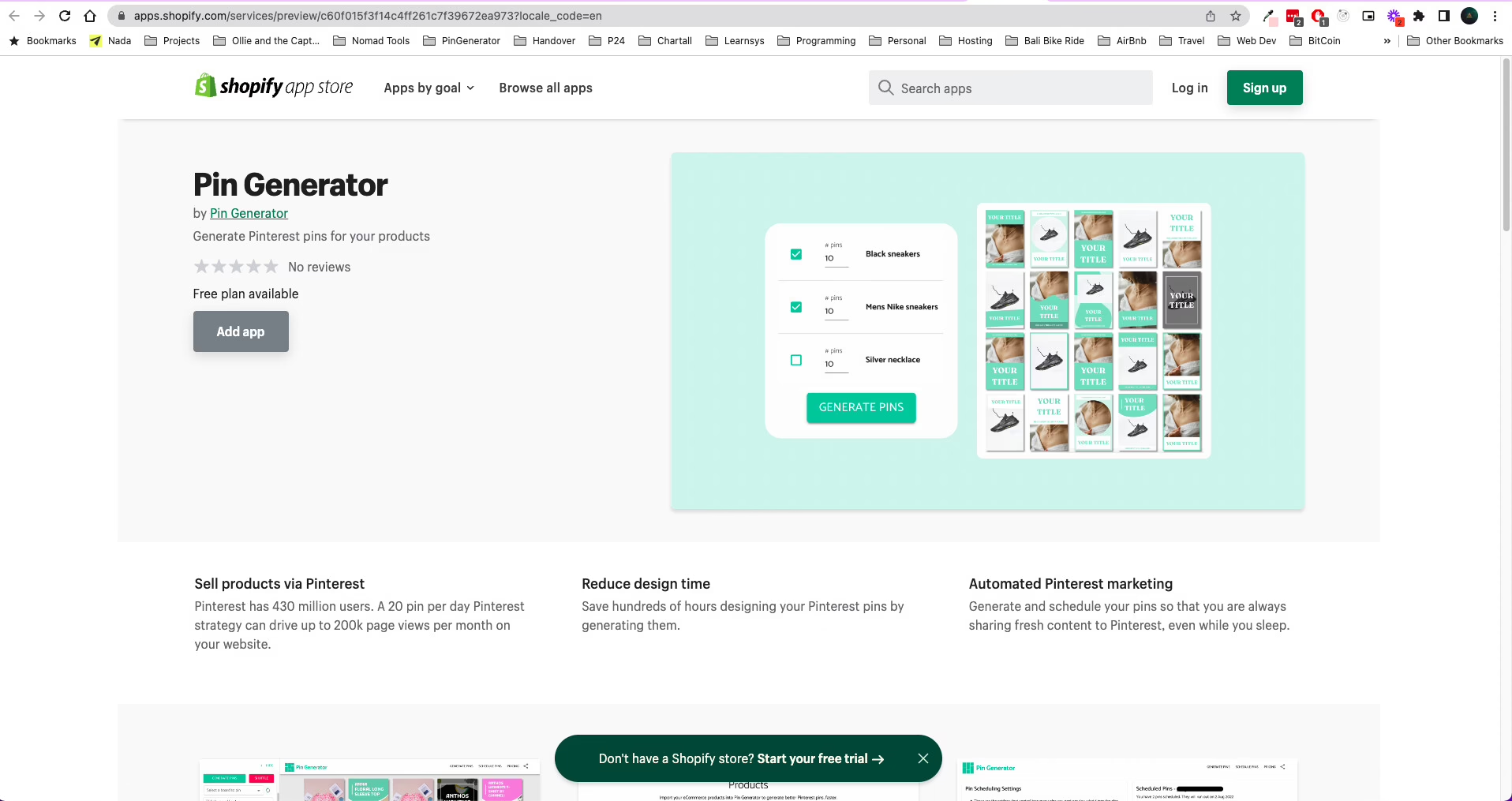
If the goal is recurring revenue and the kind of leverage a marketplace provides, a public app on the App Store is the way to go. But you are signing up for competition with thousands of other listings and having to defend against Shopify’s core roadmap. Checkout X had €600K in MRR before the platform made the category its own. Mantle raised $5 million only to close shop when Shopify’s in-house tools took its place.
Custom and private apps are a services business
A custom app sidesteps the review process and is installed for a known buyer outside the store. The scope is contained and there is no distribution upside to speak of, so the revenue is confined to one account. This is the sensible model for a legacy integration or a workflow a generic tool cannot handle. For those still deciding where to put a store of this type, we have covered the Shopify vs WooCommerce operating models in more detail.
The wrong choice is usually ambition-shaped
All too often builders will plan for a public app when the demand is really just one customer with a particular problem. They end up burning months on App Store polish for returns a two-week custom job would have yielded. If the buyer is there, take the ROI. If you are going for breadth, then you need to operate like a product company from the start and put billing and onboarding front and centre.
The Technical Constraints That Shape Architecture From Day One
There are hard numeric limits to what the platform will allow at scale. It is costly to get these wrong down the line and cheap to get them right now.
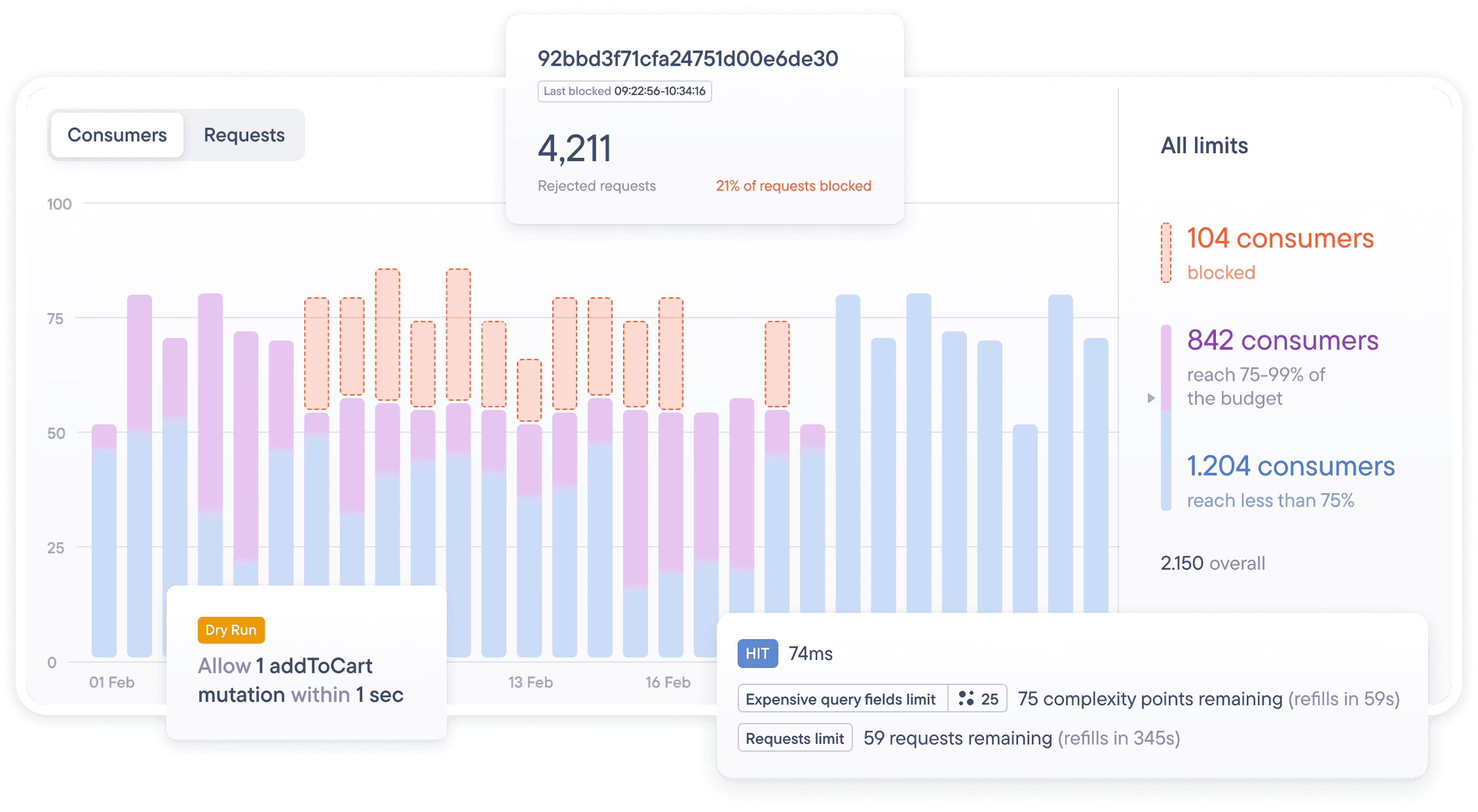
Rate limits and query cost. The GraphQL Admin API is subject to calculated query cost throttling. Shopify’s API rate limits put the ceiling at 100 points a second for Standard, 200 for Advanced and 1,000 for Shopify Plus. A single deeply nested query will consume more of that budget than a dozen of the smaller variety. It is wise to profile your heaviest queries prior to any feature work and consider the shape of a request an architectural matter, not some coding minutia.
Then there are the hard numbers on payload:
- JSON metafields max out at 128 KB.
- In 2026, Shopify Functions inputs will be 128 kB (an increase from 64).
- You can store 10 keys of 1 MB in Shop Minis KV.
- Batches in GraphQL are limited to 25 per request.
Such constraints dictate the design. You end up with off-platform pre-computation and compact rule encoding; metafields become small config stores, not a database. And do not forget edge caching.
Webhooks cannot be trusted to be perfect. Shopify will retry for 48 hours and then let it go. Without an idempotent handler and a durable queue of your own, you are going to lose state. At any scale, nightly reconciliation jobs to check your database against what Shopify has are a necessity. For the rest of the discipline required here – backoff, batching and so on – see this piece on best practices.
Authentication within the admin is another fragile point. An embedded app has to use session tokens (short-lived JWTs) since third-party cookies are no good in an iframe. Make sure to verify them on each request and handle shop context in a consistent way with App Bridge. Neglecting to do so will result in the kind of intermittent bugs that only certain merchants will see.
As for taking heavy UI off of Shopify altogether, we have our thoughts on when the expense is justified over in our headless commerce piece.
What Successful Apps Actually Do Differently
Mat De Sousa ran an analysis on more than 26,000 apps and the data is telling. The top 4 percent exhibit patterns one would do well to note.
Take free plans: 85% of the breakout apps have them compared to 66% of the rest. Or look at review quality. Reviewers of the top apps had been using them for some 90 days before they put pen to paper; for lower performers it was 23 days. The rate of 1 or 2 star reviews is 3.3% for the former and 6.8% for the latter. Top apps also tend to be listed in seven languages and make use of 25 tags across 1.8 categories, whereas a small app might have two languages and eight tags in one.
What you will not find as a predictor on that list are video walkthroughs, demo stores or a policy of replying to every review. Retention and localization are what count.
Failure looks much the same. There was a well-known reviews app that built up organic installs and 5-star ratings until the team decided to pursue 11 different apps and infrastructure bills neared $900 a month. They were done by October 2025. The founder put it simply after paring it down to three: “focus beats quantity every single time.” The median life of a zombie app before abandonment is 716 days, which is just maintenance succumbing to entropy.
Wondering how your store shows up in AI search? We put together a short visibility snapshot. Get the snapshot.
The App Store Is Distribution, Not a Reward
Do not expect leniency from the App Store review process; it can be inconsistent. Billing is a compliance issue, not something to be set and forgotten. Per Shopify’s rules, both full and limited-visibility apps need App Billing API resources. You are allowed to show the Reviews API modal once in 60 days, and no more than three times in a year. Your backend should be built to model entitlement and merchant prompts cleanly from day one.
And pay attention to your listing. Shopify wants a primary tag that tells you what the app does and secondary ones for the rest, as outlined in their app store review documentation. Most builders underestimate how much these decisions matter. Before putting pen to paper on listing copy, it is worth a close look at the full App Store requirements and the no-nonsense format rules for tags in the Shopify admin tag rules. The numbers bear this out: an AppstorePulse report from July 2026 puts the count of live apps at some 25,780, with over 2,300 making their debut in one month alone. With 75.6% of listings being English-only, that language statistic is a handy guide; when the market is so heavily English, a listing with broader regional appeal will find less competition in the search results.
The 2026 Shift Toward AI-Assisted Building and Catalog
The very definition of a Shopify app is being redefined by two recent developments from the company. Take April 2026, when Shopify put out an MCP (Model Context Protocol) server to allow Claude Code and the like to work with live stores. Build costs for certain app types have been known to plummet from $60,000 to as little as $5,000. Then there is the matter of AI: in the first quarter of 2026, orders put down to AI were up 13 times on the year, and conversion was 50 percent better for shoppers coming through AI referrals.
Shopify Catalog is also making its presence felt as a native surface for commission-based revenue. A few builders are of the opinion that a Catalog-first product could do away with some of the more conventional extension apps. It would be premature to put the business on the line over such a change, but ignoring it is not an option. Any work done today should be designed with a Catalog version in mind as a logical progression, not something requiring a complete rewrite.
How We Approach Shopify Work at Refact
There are really only two kinds of Shopify projects we come across. You have the custom app or storefront tweak that a merchant requires because the platform’s stock offerings are not enough to run their operation. A case in point is Fiore Designs, the Los Angeles florist. Their checkout process could not accommodate delivery windows, zip-code eligibility or same-day zones within standard Shopify. What we did on Fiore Designs on Shopify was to apply the necessary customization where the platform permits and let the rest be.
Then you have the longer-term engagement with a brand whose app stack and storefront are in a constant state of evolution. Broya’s Shopify storefront illustrates this well. Over five years they have seen conversion climb on their subscription model by continually re-evaluating cart flows and product pages instead of leaving them as is. Neither project calls for a “custom app” as one would find in the App Store, yet both demand the same sort of architectural rigour.
For those trying to decide if an idea is a public app, a custom build or simply some storefront changes that never required an app to begin with, a discovery engagement is what settles the question. That is the kind of upfront clarity our Shopify store development services and wider ecommerce development work are founded on. We even back the discovery phase with a money-back guarantee to ensure any weak concept is identified before a line of code is put down.
Choosing a Build Partner Without Wasting a Quarter
The decision to put together an in-house team, engage a studio or go with freelancers is a matter of how much coordination the project calls for. Freelancers are fine for work that has a well defined scope and is limited in nature. But if you need product judgment and API discipline, along with a party that will be on the hook for what transpires after launch, then a studio is the way to go.
A good partner will not use jargon as a smokescreen when discussing tradeoffs. They should be able to give you the hard numbers on billing, App Store review and maintenance, and put forward examples of their Shopify work with some substance. Should they be unable to field questions on the finer points of API rate limits, webhook idempotency or version sunsets, it is a sign they have not put out enough Shopify work to be familiar with the sharp edges. The idea here is to ask the right questions before any commitment is made, as we cover in how to qualify a partner early.
This is not something one can do in a single pass. With the platform changing every quarter and merchant demands on the rise, competition only gets stiffer year on year. You will find the apps that endure are not those with the heaviest feature set at launch. Rather, they come from builders who have the discipline to view support and retention as a continuous process and have kept their focus tight enough to do it properly.
Building or replatforming a store? Let’s talk. Free 30-minute call, no pitch.

Saeedreza Abbaspour is the CEO of Refact, where he works across product, engineering, and sales. He sets the studio’s direction while staying closely involved in the work itself, from shaping product strategy and UX architecture to helping define the technical systems behind Refact’s projects. His role connects business thinking with hands-on product execution, giving him a practical view of how software should be planned, built, launched, and improved. At Refact, Saeedreza focuses on building a studio that can move quickly, solve real client problems, and turn ideas into reliable digital products.
More from Saeedreza Abbaspour

