
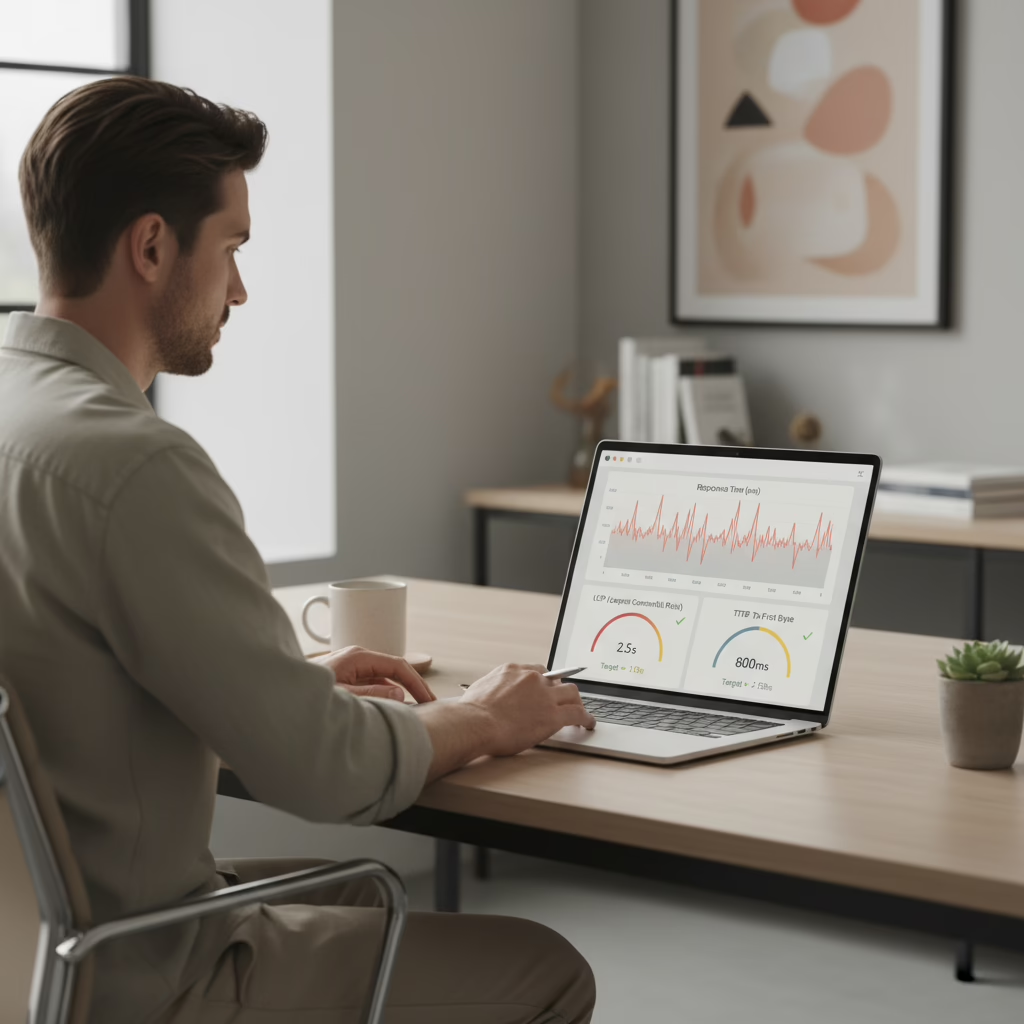


Is your website’s speed quietly bleeding sign-ups while you sleep?
You built the product. You shipped the MVP. Now users are landing on your site and making a snap decision in seconds. If pages feel slow, many will leave before they read a headline or see a demo.
That is why monitoring response time matters. It turns “the site feels slow” into real numbers you can track, fix, and protect.
Is Your Slow Product Secretly Costing You a Fortune?
Picture this. You are grabbing coffee with a potential customer. They are excited, they pull up your site, and it hangs on a blank screen. A few seconds pass, then they close the tab. You do not get a second chance.
For a founder, that is not a small technical issue. It is lost revenue, lost trust, and a marketing funnel that never gets a fair shot.
The real-world cost of every second
Let’s talk numbers. In 2026, the average desktop page load is around 2.5 seconds, but mobile can hit 8.6 seconds. Mobile is also where most traffic lives, about 68% of all web traffic.
A mobile load time of 10 seconds can raise bounce rates by 123% compared to a one-second load time. Even at three seconds, 53% of mobile visitors may leave.
The money adds up fast. A one-second delay can cut conversions by 7%. If your site earns $100,000 per day, that can mean about $2.5 million in lost revenue each year.
How a one-second delay hits your bottom line
It can be hard to picture how a small delay turns into real dollars. This table connects speed to outcomes most founders care about.
| Load Time Delay | Conversion Rate Drop | Bounce Rate Increase | Potential Annual Revenue Loss (for a $100k/day site) |
|---|---|---|---|
| +1 second | 7% | 123% (vs. 1 sec load) | $2.5 million |
| +2 seconds | ~14% (estimated) | Significant | ~$5 million (estimated) |
| +3 seconds | ~21% (estimated) | Over 53% of users leave | ~$7.5 million (estimated) |
Small delays can lead to big drop-offs. That is why you want a system to spot slowdowns early, not after users complain.
Why response-time monitoring is not optional
If you treat performance monitoring as something to “do later,” you end up guessing. You will not know when a deploy slowed down key pages. You will not know if a marketing campaign is pushing your servers past the limit.
Consistent monitoring gives you three things:
- An early warning system: spot slowdowns before they turn into outages.
- Real user experience insight: see what people experience on different devices, browsers, and networks.
- Better decisions: use data to pick the fixes that matter most.
If you want a simple companion guide for setting this up, read our site monitoring setup for founders. It pairs well with the metric and tooling advice below.
What Performance Metrics Should You Actually Measure?
Saying “we need to be faster” is not a plan. You need a few clear metrics that match what users feel, then track them every week.
To keep this simple, focus on three metrics that map to the user’s experience from first click to “this page is ready.”
Time to First Byte (TTFB)
Time to First Byte (TTFB) is the time from a user request to the first byte your server sends back. It is often the best “front door” signal for backend health.
Coffee shop example: you walk up to the counter and place your order. TTFB is how long it takes for the barista to acknowledge you. They are not making the drink yet, but you know the process started.
A slow TTFB often points to server load, slow database calls, or heavy app code before the first response.
First Contentful Paint (FCP)
First Contentful Paint (FCP) measures how long it takes for the first visible content to show up. This might be a logo, a header, or a line of text.
Coffee shop example: the barista hands you an empty cup. You do not have coffee yet, but you can see progress. On the web, that “something is happening” moment lowers anxiety and reduces bounces.
Largest Contentful Paint (LCP)
Largest Contentful Paint (LCP) measures when the biggest, most meaningful item on the screen becomes visible. On many pages, this is the hero section or main headline block.
Coffee shop example: your latte is finished and placed on the counter. Now you can actually do what you came for.
What “good” looks like
Aim for TTFB under 500ms when possible, and treat anything under 800ms as a solid starting goal. For LCP, aim for under 2.5 seconds. Many mobile sites still miss that mark.
These numbers are not vanity metrics. Bounce rates can jump by 90% when load time goes from one to five seconds. And when 44% of users say they tell friends about a bad experience, slow pages can create word-of-mouth damage.
If you want a step-by-step guide for measuring and diagnosing delays, our post on testing response time covers the practical side.
Three Practical Ways to Monitor Your Product’s Speed
Now you know what to measure. Next is how to capture the data and make it useful.
Most teams use at least two of the methods below. Together, they show what users feel, what your systems are doing, and where to fix problems.
Synthetic monitoring (the secret shopper)
Synthetic monitoring is like paying a secret shopper to visit your site every few minutes, from different locations, all day long. They run a script, time key actions, and alert you when something is slow or broken.
- Pros: consistent tests make trend changes obvious, and you can catch issues before users notice.
- Cons: it is still a simulation, so it misses the variety of real devices and real networks.
Use synthetic checks as your baseline. It helps you spot “something changed” right after a deploy.
Real User Monitoring (RUM) (feedback from everyone)
RUM collects speed data from real visitors, directly in their browsers. It measures metrics like LCP, FCP, and TTFB across all the messy reality of the internet.
This is where you find surprises. Maybe your site is fast in New York, but slow in Australia. Maybe it is fine on new phones, but rough on older devices.
RUM tells you what is happening, not what should happen.
Many RUM tools also support session replay and error tracking, which can connect “slow” with “users are getting stuck.”
Server-side monitoring (checking the kitchen)
Server-side monitoring, often called APM, watches your backend. It tells you which endpoints are slow, which queries are dragging, and what code paths are causing delays.
If your TTFB is high, server-side monitoring is usually the fastest way to find the cause. That might mean a slow query, a bad cache setup, or CPU spikes during traffic bursts.
If you need help with engineering work that improves backend speed, our website development services page outlines how we support founders from fixes to larger rebuilds.
Your Founder’s Checklist for Performance Monitoring
You do not need to become a performance engineer. You do need a repeatable routine your team can follow.
Use this as your quick plan to go from “it feels slow” to “LCP on mobile jumped after the last release.”
Step 1: choose tools and set a baseline
You cannot improve what you do not measure. Start with tools that match your stage. Free tiers are usually enough to begin.
- RUM: tools like New Relic, Datadog, and Sentry can collect real browser data.
- Server monitoring: ask your team what they use for traces, slow queries, and error rates.
- Synthetic checks: services like UptimeRobot can ping pages on a schedule and alert on slow response.
Your goal is simple: get data flowing. Your first baseline is your “before” picture.
Step 2: build one dashboard everyone trusts
A pile of numbers does not help. A dashboard does, if it is focused.
Start with a few metrics, broken out by segment when possible:
- 75th percentile LCP for mobile.
- Median TTFB across key endpoints.
- Error rate on important flows like sign-up and checkout.
Why 75th percentile matters
Averages hide pain. If your 75th percentile LCP is 5 seconds, one in four users waits at least 5 seconds.
Step 3: set alerts that mean something
Dashboards help you spot trends. Alerts help you react fast when things break.
Start small with alerts tied to user experience:
- High TTFB alert: notify the team if median TTFB stays above 800ms for 5 minutes.
- Slow LCP alert: alert if 75th percentile LCP on mobile rises above 4 seconds.
- Error spike alert: alert when sign-up or payment errors jump above normal.
Once alerts are stable, review them monthly. The goal is fewer, better alerts that catch real problems.
How to Balance Performance With Your Startup Budget
Every dollar has a job. Speed work is worth it, but only if you pick the fixes with the best payoff.
This is not about getting a perfect score in a tool. It is about removing the slow parts that users actually feel.
Start with the cheap wins
Many early wins do not require a huge project. They require focus.
- Image fixes: large images are a common reason LCP is slow. Compression and modern formats often cut file size by 50–70%.
- Caching: browser caching and server caching can make repeat visits feel much faster.
- Script cleanup: too many third-party tags can slow FCP and LCP, especially on mobile.
If you want help prioritizing and executing these improvements, our website optimization services are built around small changes that improve metrics and conversion.
“Good enough” beats perfect
Chasing a 100/100 score can waste time. Users feel big improvements, like 8 seconds down to 3 seconds. They rarely feel small wins, like 1.8 seconds down to 1.5 seconds.
Define “good enough” for your product. If LCP is under 2.5 seconds and TTFB is stable, you are usually past the biggest speed risks.
Sometimes the right answer is not another patch. It is a rebuild that removes years of tech debt. If you are stuck in that spot, our website redesign services page explains how we approach rebuilds without wrecking conversions.
Your Action Plan for a Faster Product
Speed is not a one-time audit. It is a habit. The good news is that you can build that habit in weeks, not months.
Below are two paths, based on whether you have an engineering team today.
For the non-technical founder
If you do not have developers in-house, your first conversation with a partner should be about outcomes, not vague promises.
Use this script:
“We need to make our product faster for users. I want a baseline for 75th percentile LCP on mobile and median TTFB. What is your plan to implement monitoring, build a dashboard, and set alerts for those metrics?”
If you need ongoing technical leadership while you hire or scale, consider fractional CTO services. It can keep performance work moving without the cost of a full-time exec.
For the founder with an engineering team
If you have a team, treat the next 30 days as a performance push. The goal is a clean baseline and a system that catches slowdowns fast.
- Week 1: instrument. Turn on RUM, server monitoring, and basic synthetic checks.
- Week 2: dashboard. Share one dashboard with LCP, FCP, TTFB, and error rate.
- Week 3: alerts. Add a slow LCP alert and a high TTFB alert, then tune them.
- Week 4: fix one bottleneck. Use data to pick a single high-impact fix and ship it.
Performance work often leads you to database and query issues. If that is your bottleneck, our guide on creating a database index in MySQL can help your team move faster.
Frequently Asked Questions
What is the single most important metric to ask developers about?
If you can only ask one question, ask about 75th percentile LCP on mobile.
It reflects what most users feel on the device that matters most. LCP above 4 seconds is a red flag. Under 2.5 seconds is strong.
Can I use PageSpeed Insights instead of dedicated monitoring?
PageSpeed Insights is a great snapshot. It is not a monitoring system.
Use it for quick checks and ideas. Use RUM and server monitoring for the ongoing truth of what real users experience day to day.
How much does it cost to start monitoring response time?
You can start at $0. Many tools have free tiers, and basic monitoring can be installed in minutes.
- Google Analytics 4 can show basic site speed data.
- New Relic, Datadog, and Sentry often have starter plans for smaller products.
The most important part is starting. Once you have a baseline, you can make smart trade-offs and track the results.
Want help setting up monitoring, finding the slow pages, and fixing what is hurting sign-ups? Talk with Refact about a plan that fits your product stage and budget.